
Access Controls (Object Access)
on 09-30-2024 12:00 AM by SnapApp by BlueVector AI
1269
Object Access Rules
Object Access defines the highest level of security for your data, establishing the foundational sharing rules for all users. These rules determine who can read, write, and view data within a specific object. By default, new objects are assigned standard sharing rules that can be adjusted to maintain the principle of least privilege.
.png)
Table of Contents
- Managing Object Access Rules
- How to Change Rules:
- Available Share Types:
- The “Double-Lock” Security Model
- 4. Why Object Access Rules Matter
- Data Privacy & Compliance
- Reducing UI Noise
- Data Integrity
- 5. Expanding Access: Sharing Rules
- Support
Managing Object Access Rules
You can modify the baseline security for any object through the Access Control settings.
How to Change Rules:
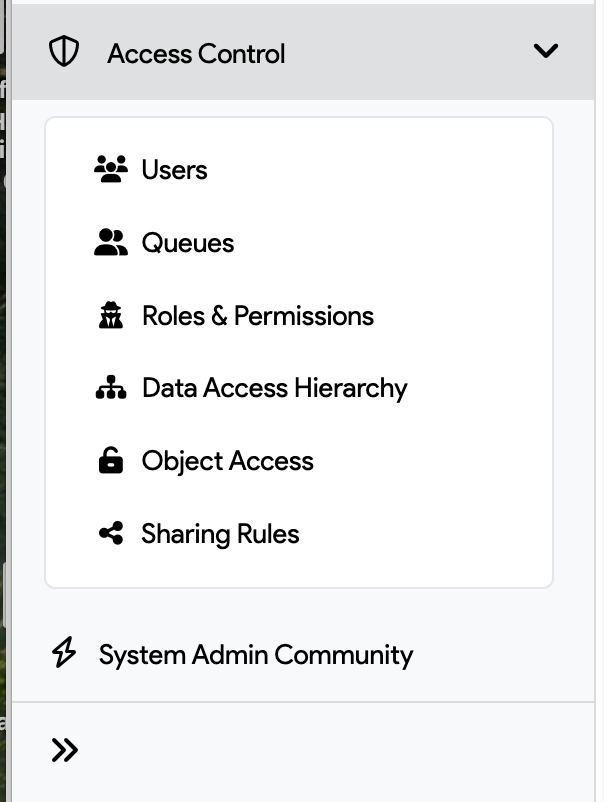
- Open Settings from the User menu.
- Select Object Access from the Access Control dropdown.
- Search for the specific object you wish to modify.
- Choose the appropriate Share Type from the dropdown; selections are saved automatically.
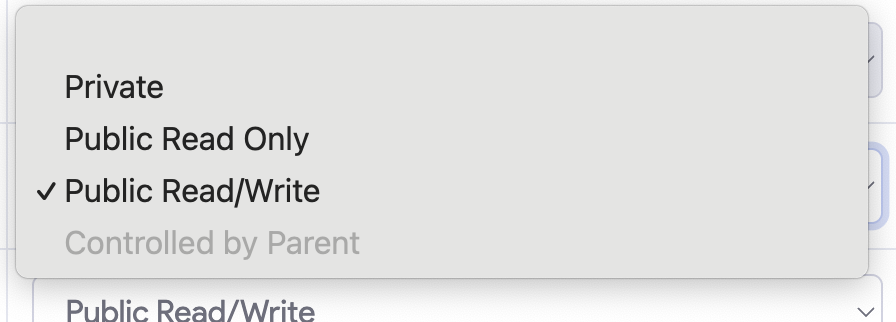
Available Share Types:
| Share Type | Description |
|---|---|
| Private | Only the record owner can access and view the data. |
| Public Read/Write | All users can view and edit the object data. |
| Public Read Only | All users can view data, but only the owner can edit it. |
| Controlled by Parent | The object inherits sharing rules from a parent template-type object. |
The “Double-Lock” Security Model
To access data in SnapApp, a user must pass two security checks:
- Functional Permissions (The “What”): Does the user have the right to use a feature (e.g., “Edit” or “Delete”)?
- Object Access (The “Which”): Does the user have the right to see that specific row of data?
Even if a user has “Delete” permissions via their Role, they cannot delete a record if the Object Access rules prevent them from seeing that record in the first place.
Change Object Access Rules:

-
Open Settings from the User menu.
-
Select Object Access from the Access Control dropdown menu.
- Search for the object whose sharing rule you want to modify.
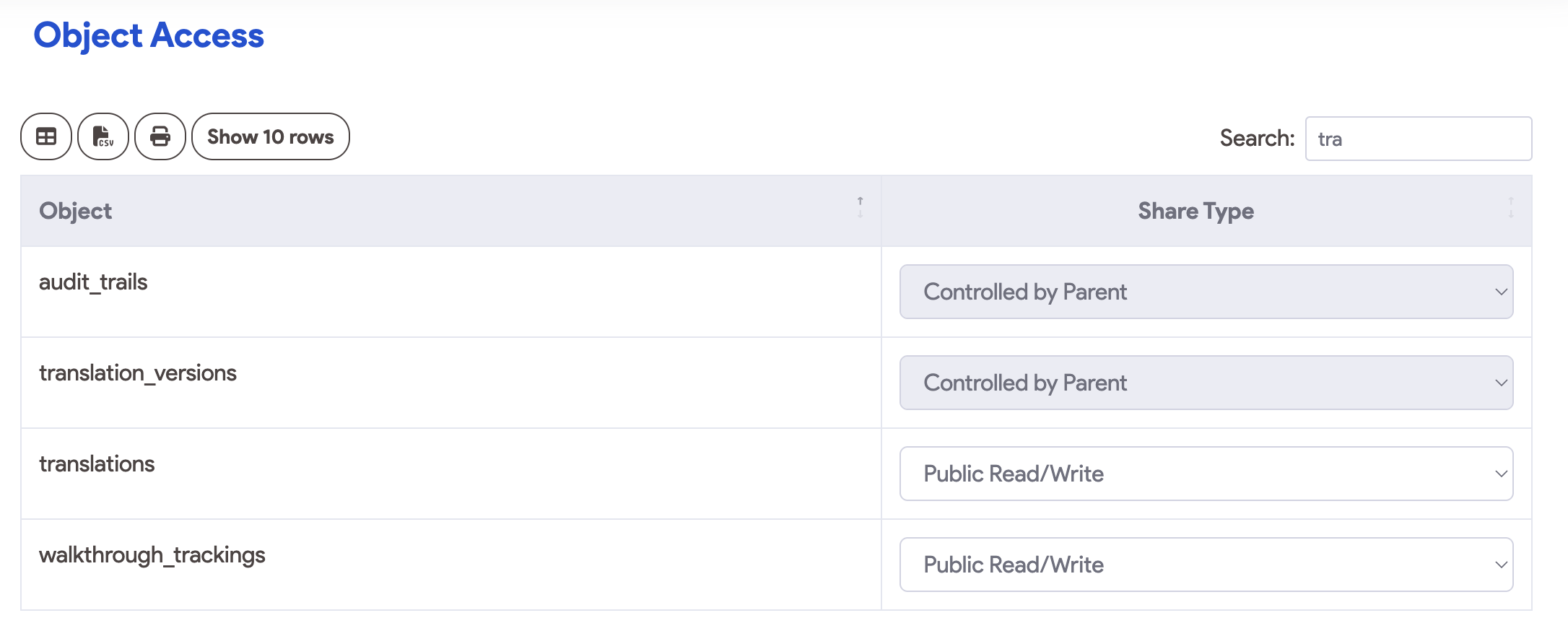
- Choose the appropriate sharing rule from the dropdown. Your selection will be saved automatically.
4. Why Object Access Rules Matter
Data Privacy & Compliance
By setting objects to Private, you ensure that sensitive information (like customer PII or financial data) is siloed. This is critical for meeting regulatory standards like GDPR, HIPAA, or SOC2.
Reducing UI Noise
Object Access keeps the interface clean. When access is restricted to “relevant records only,” users aren’t overwhelmed by thousands of rows of data that don’t pertain to their daily tasks.
Data Integrity
Preventing unauthorized users from editing records they don’t own ensures that your data remains accurate and hasn’t been modified by mistake.
5. Expanding Access: Sharing Rules
If your baseline Object Access is set to Private, you can use Sharing Rules to grant exceptions. Sharing Rules allow you to share data horizontally across different teams or roles based on specific criteria or formulas.
- By Role: Share data with everyone in the “Sales Manager” role.
- By Queue: Share records with a specific support queue.
- By Formula: Use custom logic to share records dynamically.
Support
If you have any questions or need further assistance, please reach out to our support team.
Email: snapapp@bluevector.ai


